
Description
Product Overview
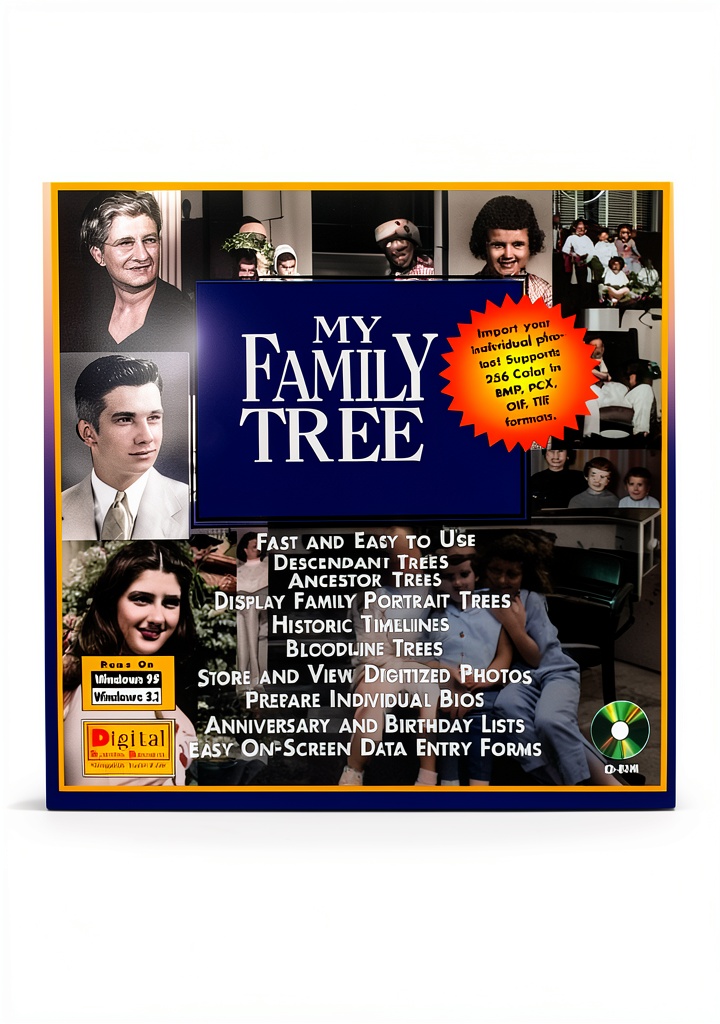
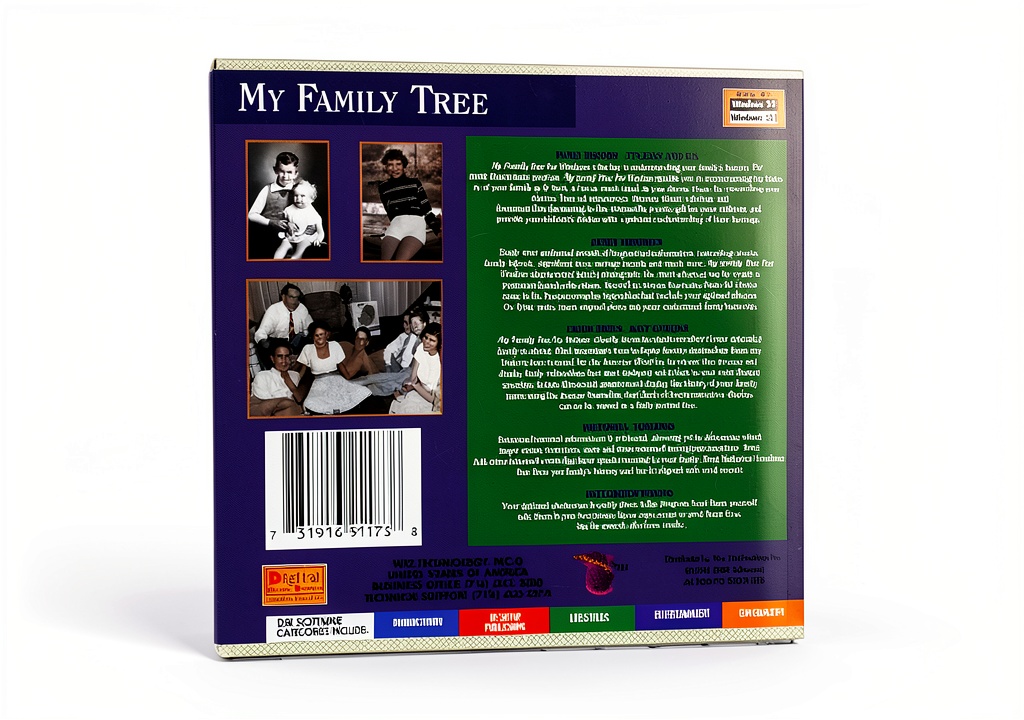
My Family Tree by DSR Software is a comprehensive genealogy application designed for Windows PCs, delivered on a single CD‑ROM that works with operating systems ranging from Windows 95 to modern 64‑bit environments. The software combines a clean, intuitive interface with powerful tools that let users record, organize, and visualize family information in a way that feels both personal and professional. Core capabilities include the ability to add individual profiles, attach scanned photographs, create detailed timelines of historical events, and generate printable charts that can be shared with relatives or displayed in family gatherings.
The program’s architecture is built around a relational database that stores each person’s vital statistics, relationships, and source citations, ensuring that data remains consistent and searchable as the family tree expands. Users can import existing GEDCOM files, which makes it easy to migrate data from other genealogy platforms, and the software automatically checks for duplicate entries, helping to maintain a clean and accurate record. In addition, the integrated mapping feature plots ancestral locations on a world map, providing a visual context for migration patterns and historical movements.
All of these features are packaged in a lightweight installer that occupies less than three megabytes of disk space, allowing the program to run smoothly even on older hardware. The CD‑ROM includes a quick‑start guide and a set of sample data that demonstrates how to build a multi‑generational tree, making the learning curve gentle for beginners while still offering depth for experienced researchers. The software is regularly updated by DSR Software to ensure compatibility with the latest Windows updates and to incorporate user‑requested enhancements.
Beyond the core genealogy functions, My Family Tree offers a suite of auxiliary tools such as a built‑in calendar that highlights significant family dates, a citation manager that helps track source documents, and a customizable report generator that produces professional‑looking PDFs. The program also supports the inclusion of audio recordings and video clips, allowing families to preserve oral histories and memorable moments alongside traditional text and image data. This holistic approach makes the software a versatile platform for anyone looking to create a lasting digital legacy.
Usage
My Family Tree is ideal for a wide range of users, from casual hobbyists tracing their ancestry to educators incorporating genealogy projects into classroom curricula. The intuitive drag‑and‑drop interface enables users of all ages to add new family members, link relationships, and attach multimedia content without needing technical expertise. Families can gather around a computer during reunions, input recent births or marriages, and instantly generate a visual family chart that can be printed or shared online.
Researchers conducting in‑depth historical investigations will appreciate the program’s ability to integrate timelines with external historical events, providing context for ancestors’ lives. The mapping feature helps visualize migration routes, while the citation manager ensures that every piece of information is properly sourced, meeting academic standards for genealogical research. Additionally, the software’s export options allow users to back up their data to external drives or cloud storage, safeguarding family history against hardware failures.</n
For educators, the software serves as a practical tool for teaching concepts such as data organization, critical analysis of sources, and the impact of historical events on individual lives. Students can create personal family trees, explore cultural heritage, and develop presentations that combine text, images, and timelines, fostering interdisciplinary learning. The program’s printable reports and slide‑show generation features make it easy to showcase projects in the classroom or at community events.
Why Choose Us
DSR Software has a long history of delivering reliable, user‑centric applications, and My Family Tree continues that tradition with a focus on stability, ease of use, and comprehensive feature sets. The software undergoes rigorous quality assurance testing on a variety of hardware configurations, ensuring that it performs consistently whether installed on a legacy machine or a modern laptop. This commitment to reliability means users can trust that their family data will remain intact and accessible for years to come.
Unlike many competing genealogy programs that require subscription fees or online accounts, My Family Tree is a one‑time purchase with no hidden costs, giving families full ownership of their data. The program’s offline capability is especially valuable for users with limited internet access or those who prefer to keep sensitive personal information private. Moreover, DSR Software provides responsive customer support, offering assistance via email and a dedicated knowledge base that includes tutorials, troubleshooting guides, and community forums.
The software’s design emphasizes accessibility, featuring high‑contrast themes, scalable fonts, and keyboard shortcuts that accommodate users with visual impairments or limited mobility. Regular updates are released to address emerging security concerns and to incorporate user feedback, ensuring that the product evolves alongside the needs of its community. By choosing My Family Tree, customers receive a robust, future‑proof solution backed by a reputable developer committed to preserving family heritage.
Key Features
- Intuitive drag‑and‑drop interface lets anyone add and edit family members without technical training.
- Integrated photo, audio, and video support preserves rich multimedia memories alongside traditional records.
- Dynamic timelines connect personal events with world history, giving context to ancestors’ lives.
- Mapping tools plot ancestral locations, visualizing migration patterns on an interactive world map.
- Responsive DSR Software customer support provides help and updates, ensuring long‑term reliability.
FAQ
Can I import data from other genealogy programs?
Yes, My Family Tree supports the GEDCOM format, which is the standard for exchanging genealogical data. You can import existing family trees from most other software, and the program will automatically map fields, detect duplicate entries, and preserve attached media where possible.
Is the software compatible with modern Windows versions?
Although the original release dates back to 2004, DSR Software has released compatibility patches that allow the program to run on Windows 10 and Windows 11. The installer includes a compatibility mode option that ensures smooth operation on both 32‑bit and 64‑bit systems.
What kind of support is available after purchase?
After purchasing My Family Tree, you receive access to DSR Software’s technical support team via email, as well as a comprehensive online knowledge base. The support team assists with installation issues, data migration, and feature usage, and they regularly release updates that add new capabilities and improve performance.
Can I share my family tree with relatives?
Absolutely. The software allows you to export your entire tree or selected branches as PDF reports, printable charts, or GEDCOM files that can be shared via email or uploaded to cloud storage. You can also generate slide‑show presentations that combine photos, timelines, and maps for easy sharing at family gatherings.
Is there a way to back up my data?
Yes, the program includes a built‑in backup utility that lets you create encrypted copies of your database on external drives or network locations. Regular backups are recommended to protect against data loss, and the restore function makes it simple to recover your family history if needed.
Reviews
There are no reviews yet.